

 Field Teams
01 / WorkerУкраїнська
Ukrainian worker
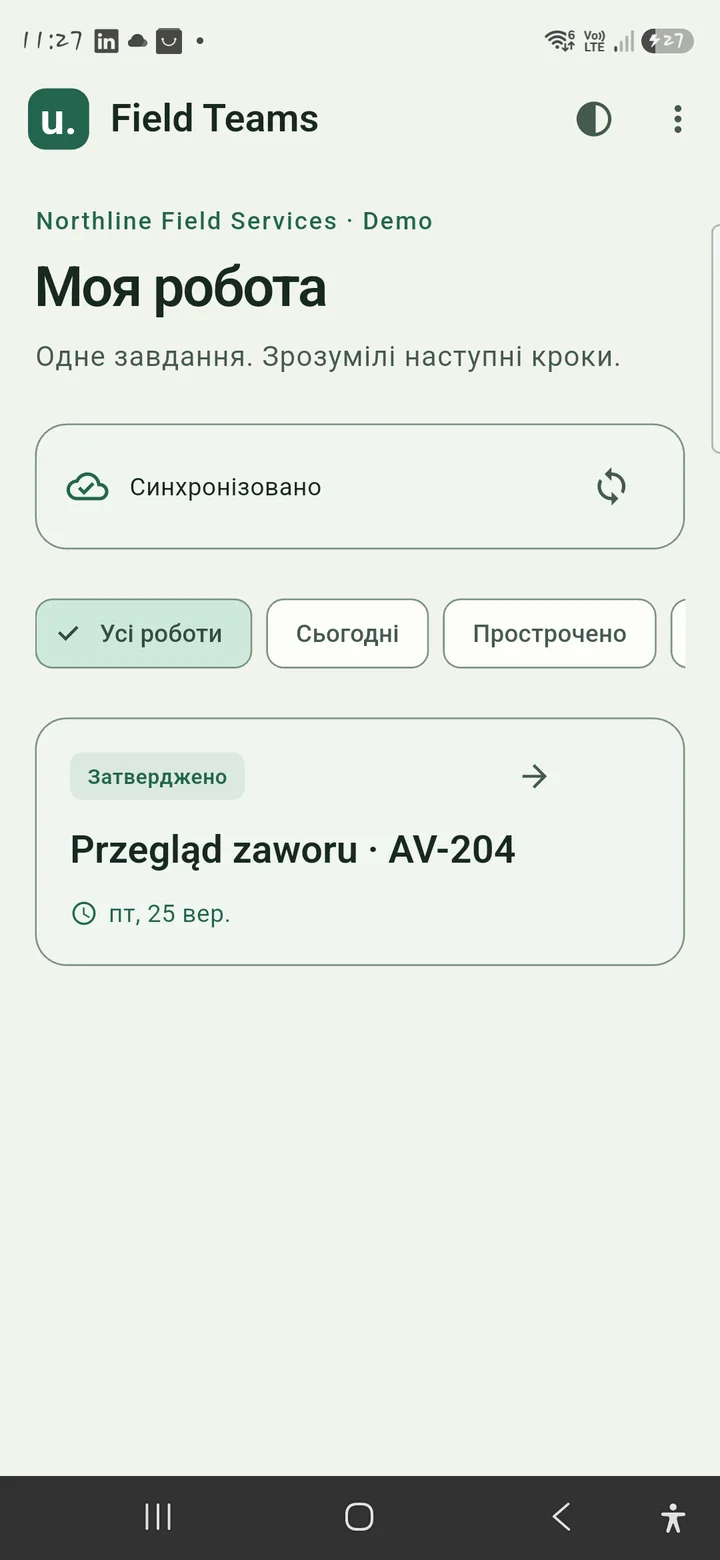
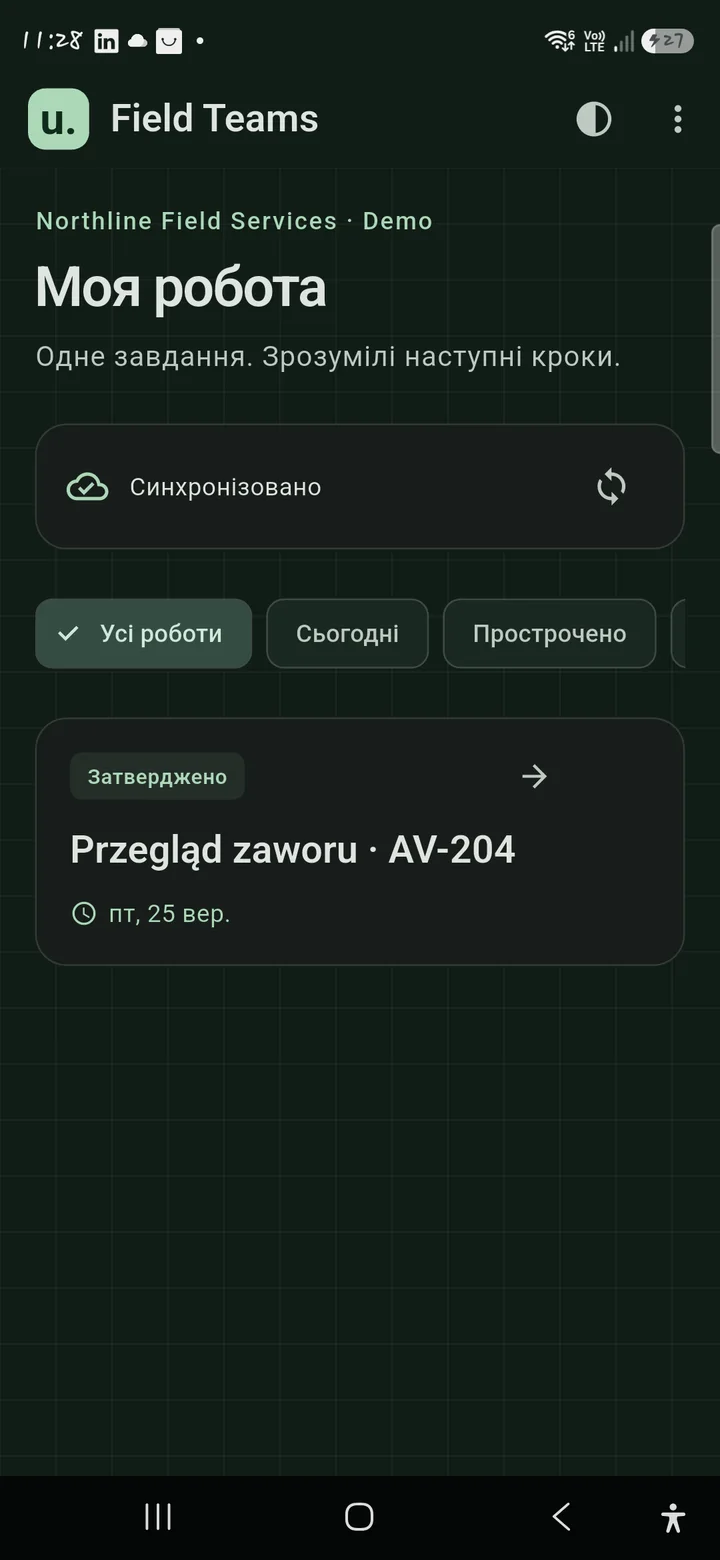
Understands the assignment. Records the work in Ukrainian.
Multilingual teams · Book your demo
The field-work platform for multilingual teams. Turn assignments, on-site evidence and manager reviews into clear, approved reports your client can understand.
Android app ready. Google Play release coming soon.
iPhone & iPad coming soon.
Different trades. The same need for clear instructions and a reliable record of the result.
01 / A complete handover
More than a report at the end of a job. One connected process keeps the work, its evidence and every review together.
Set the task, template and expectations.
Complete the work on site.
Add checklist results, photos and notes.
Send a specific version for review.
Read the evidence in your preferred language.
Return clear feedback to the worker.
Approve the exact submission.
Publish a client-ready report and PDF.
02 / Multilingual by design
A translated interface is only the beginning. Instructions, field notes, corrections and client-facing reports move between the languages your team actually uses.
Understands the assignment. Records the work in Ukrainian.
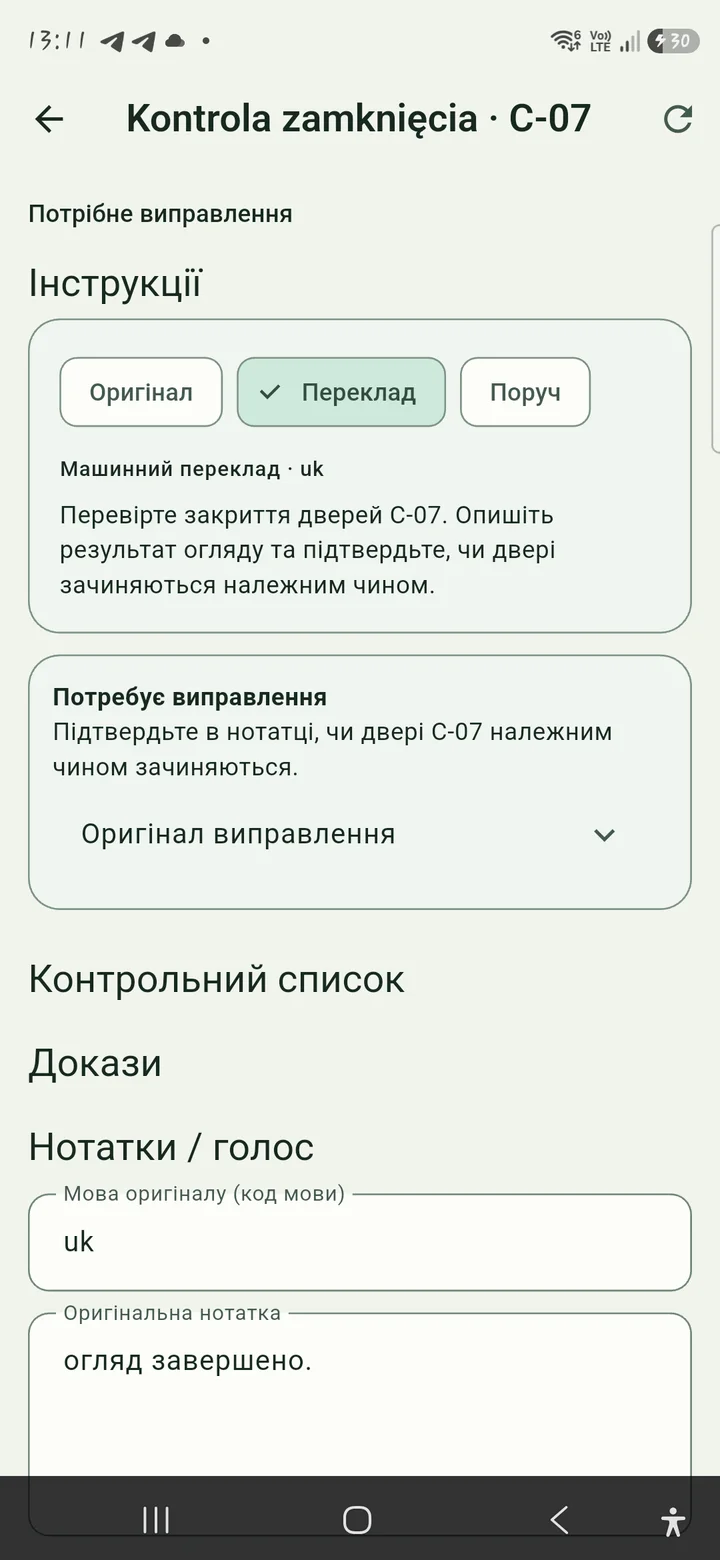
Reviews in Polish. Requests corrections before approving.
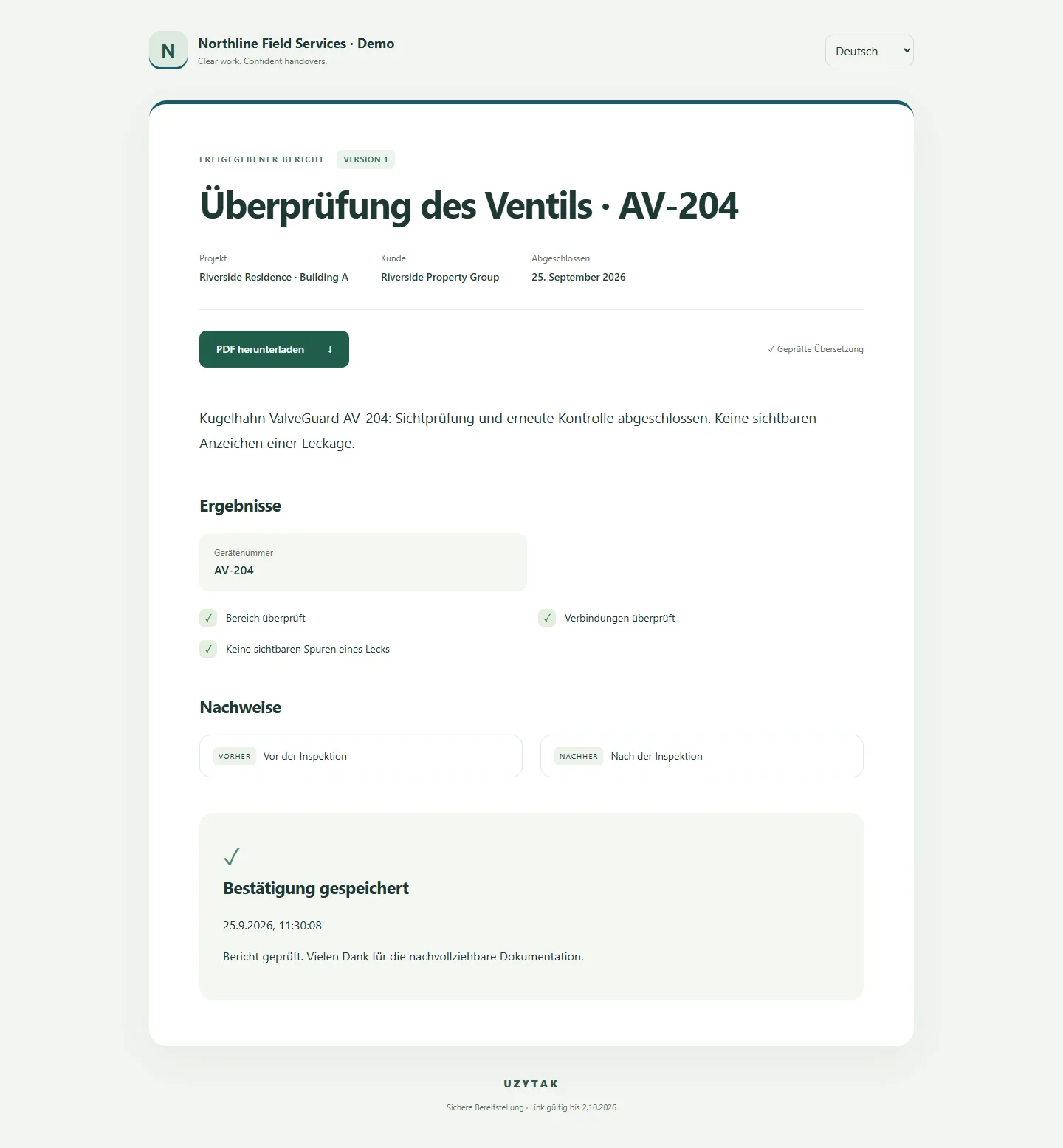
Receives the approved report in German through a browser link.
One example, not a language limit. Choose supported worker, manager and client languages independently.
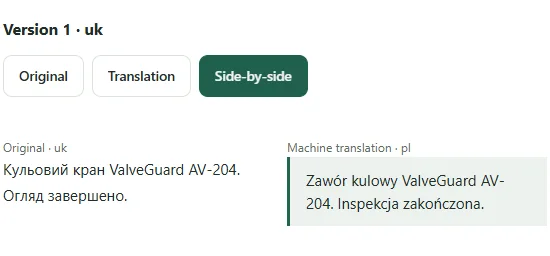
Original text stays available alongside translations.
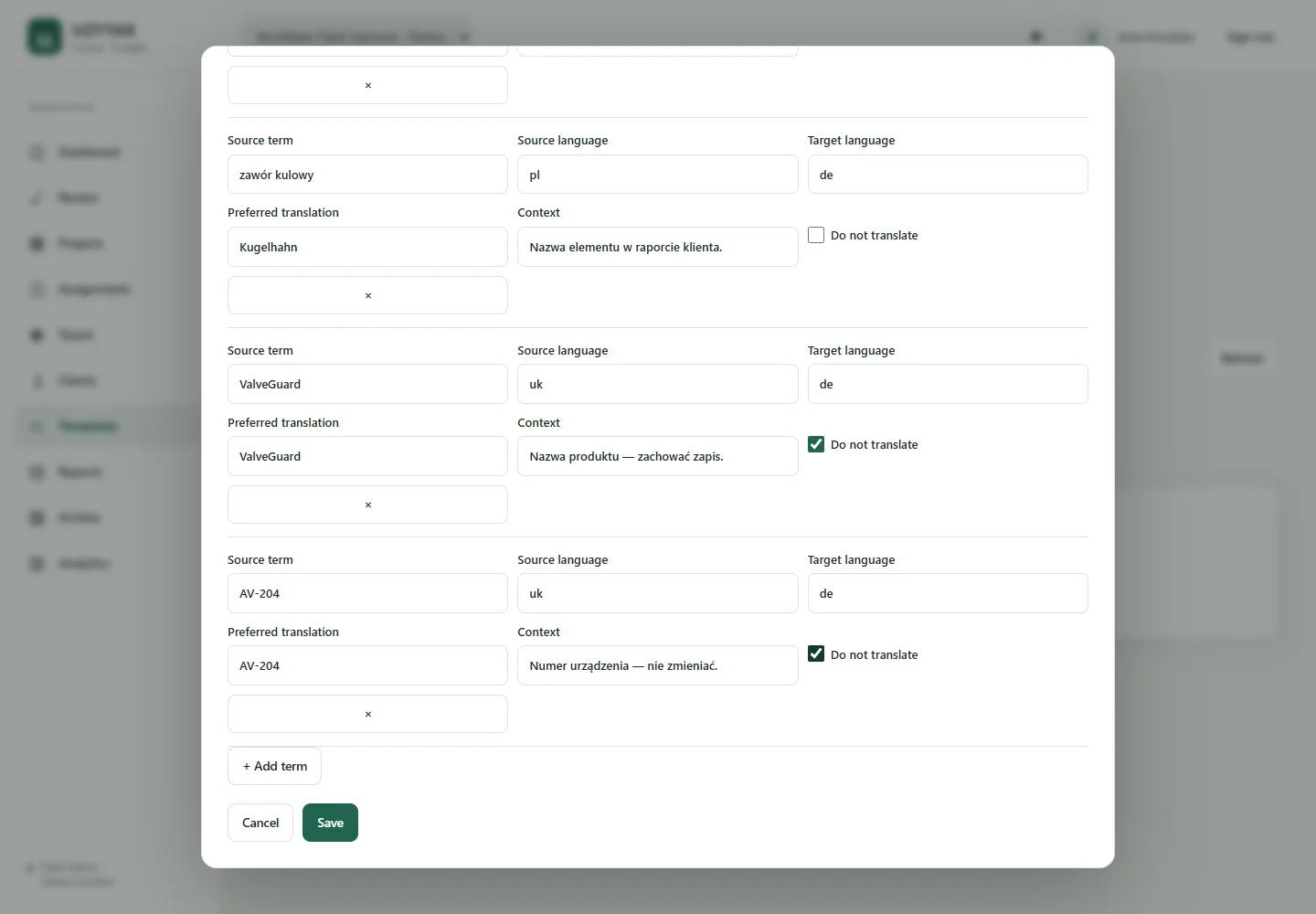
Company glossaries keep preferred terms and their versions.
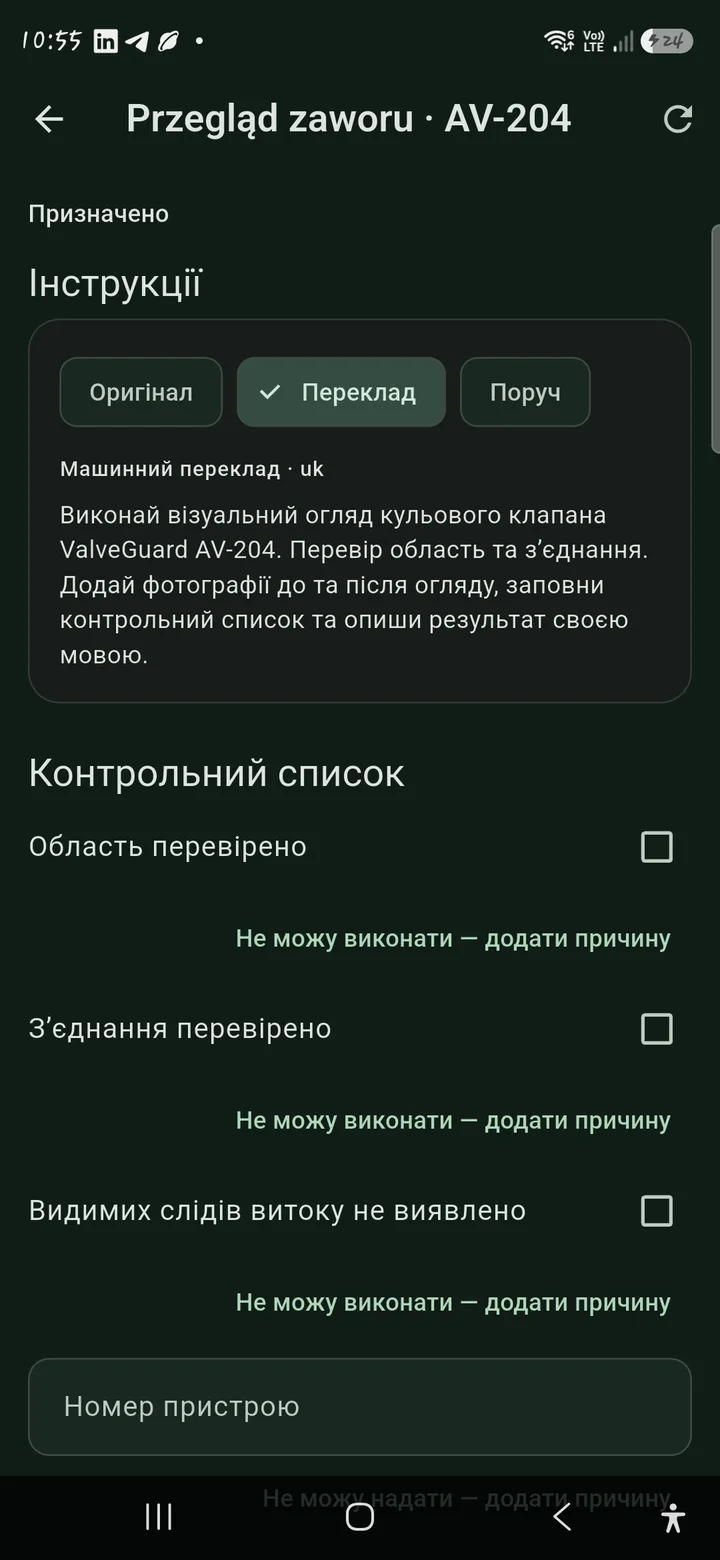
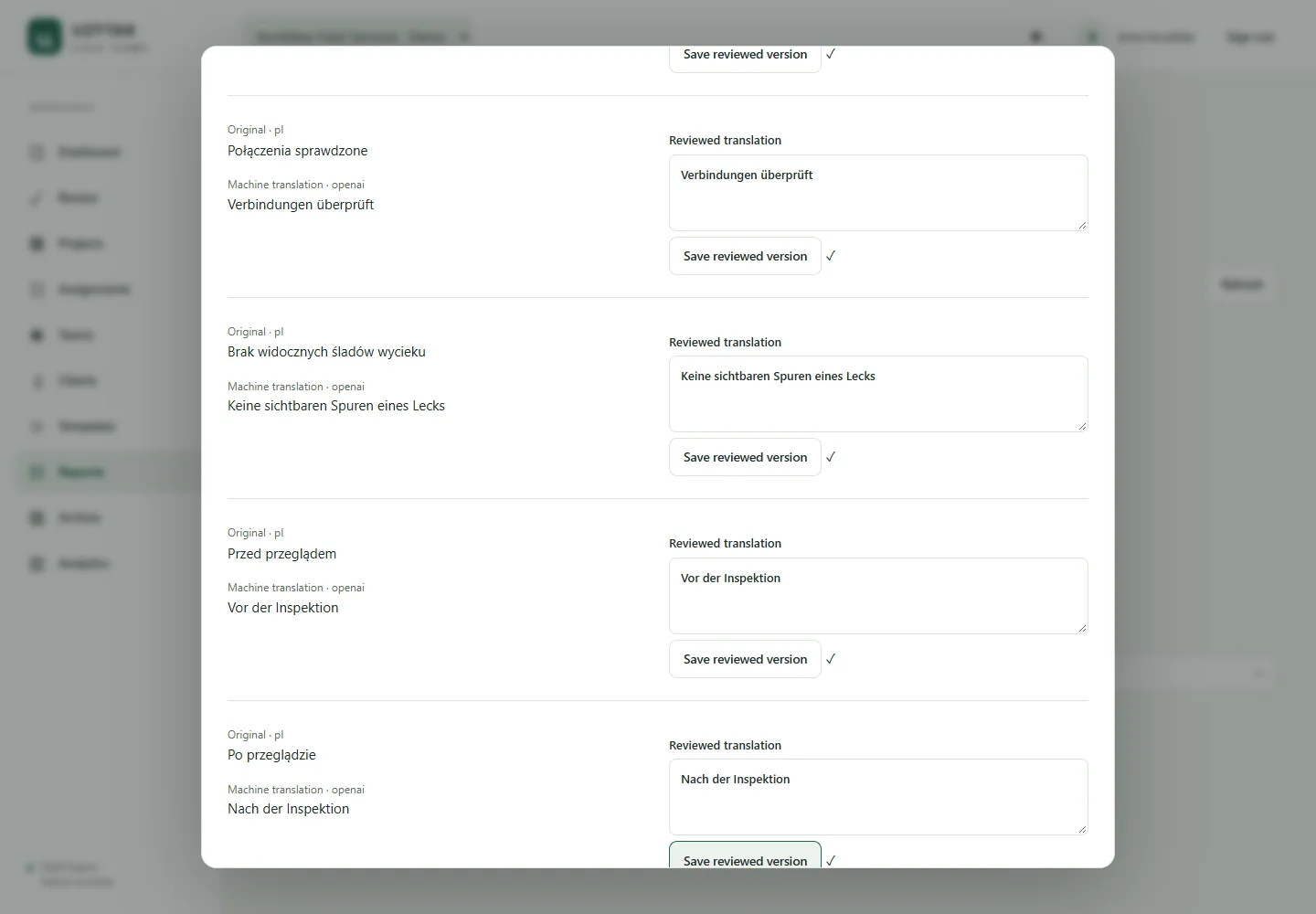
Compare original and translation; save a human-reviewed version for delivery.
Interface language, work language, manager reading language and client/report language are separate choices. Machine and human-reviewed text are identified.
03 / Evidence with context
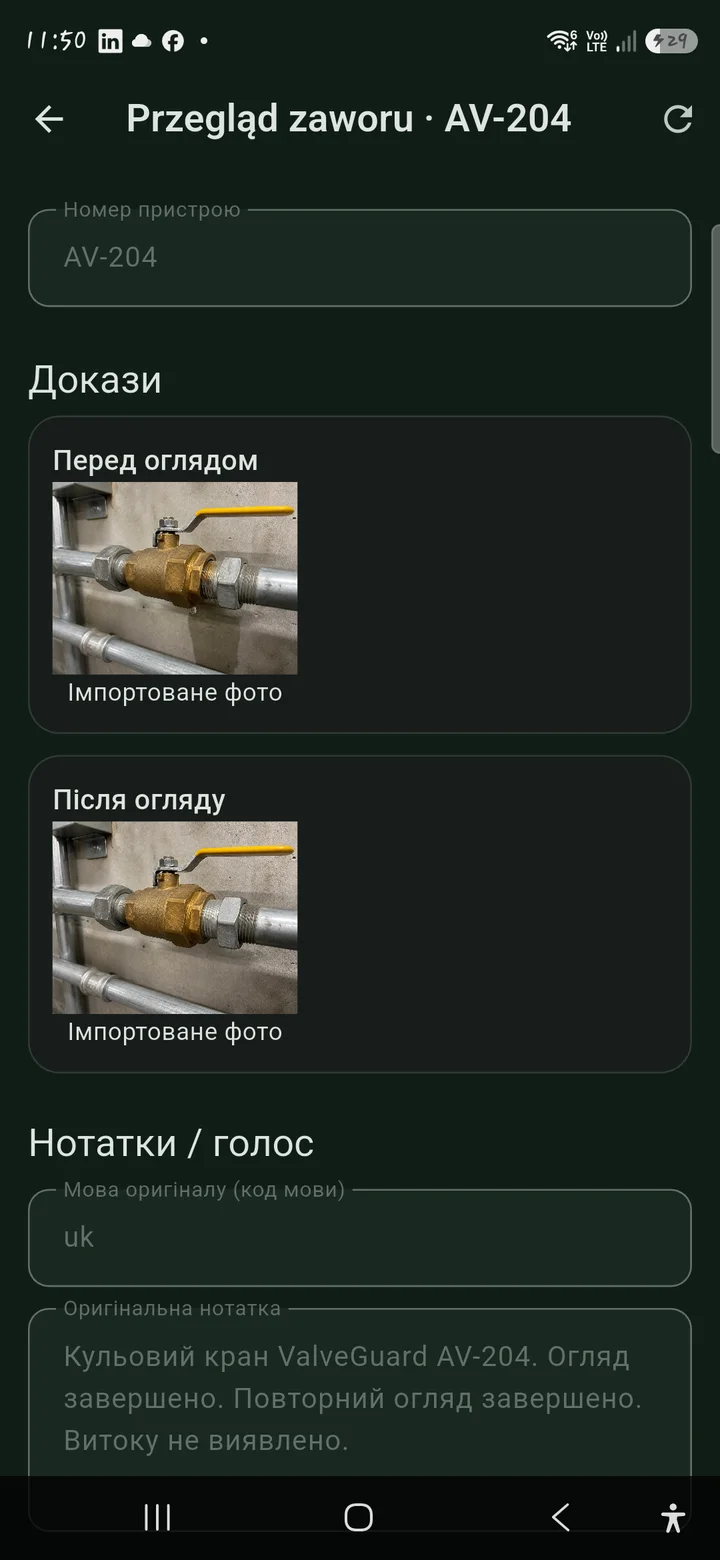
A photo is useful. A photo connected to the task, notes and the approved version is a clearer handover.
Keep the condition and the result with the job.
Capture what was checked, what changed and what needs attention.
Attach GPS where captured and available, plus timestamps for context.
Keep source material and earlier submissions in the company history.
Follow corrections, resubmissions and the exact version approved.
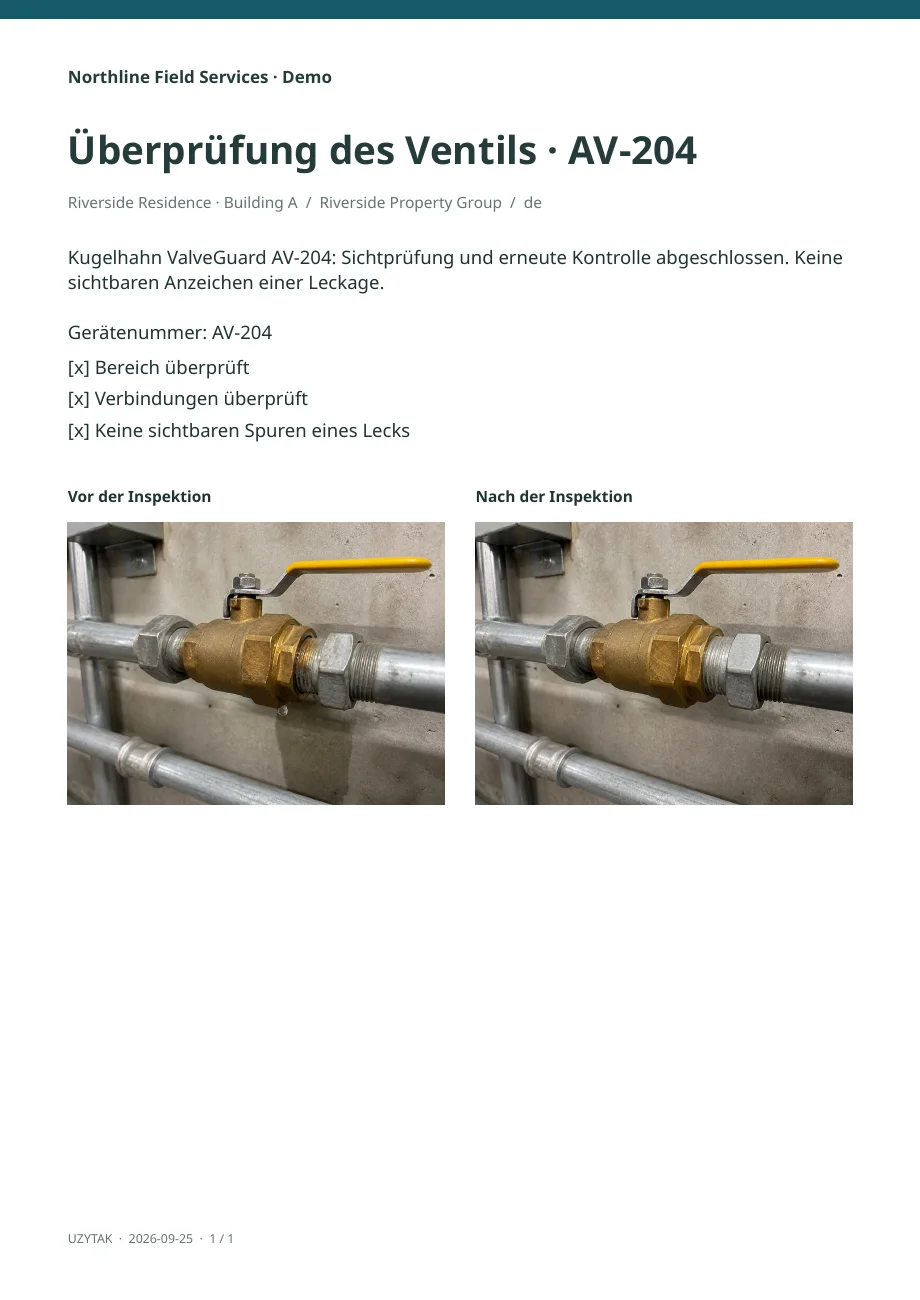
Publish selected approved content to the Portal and its matching PDF.
04 / For the worker
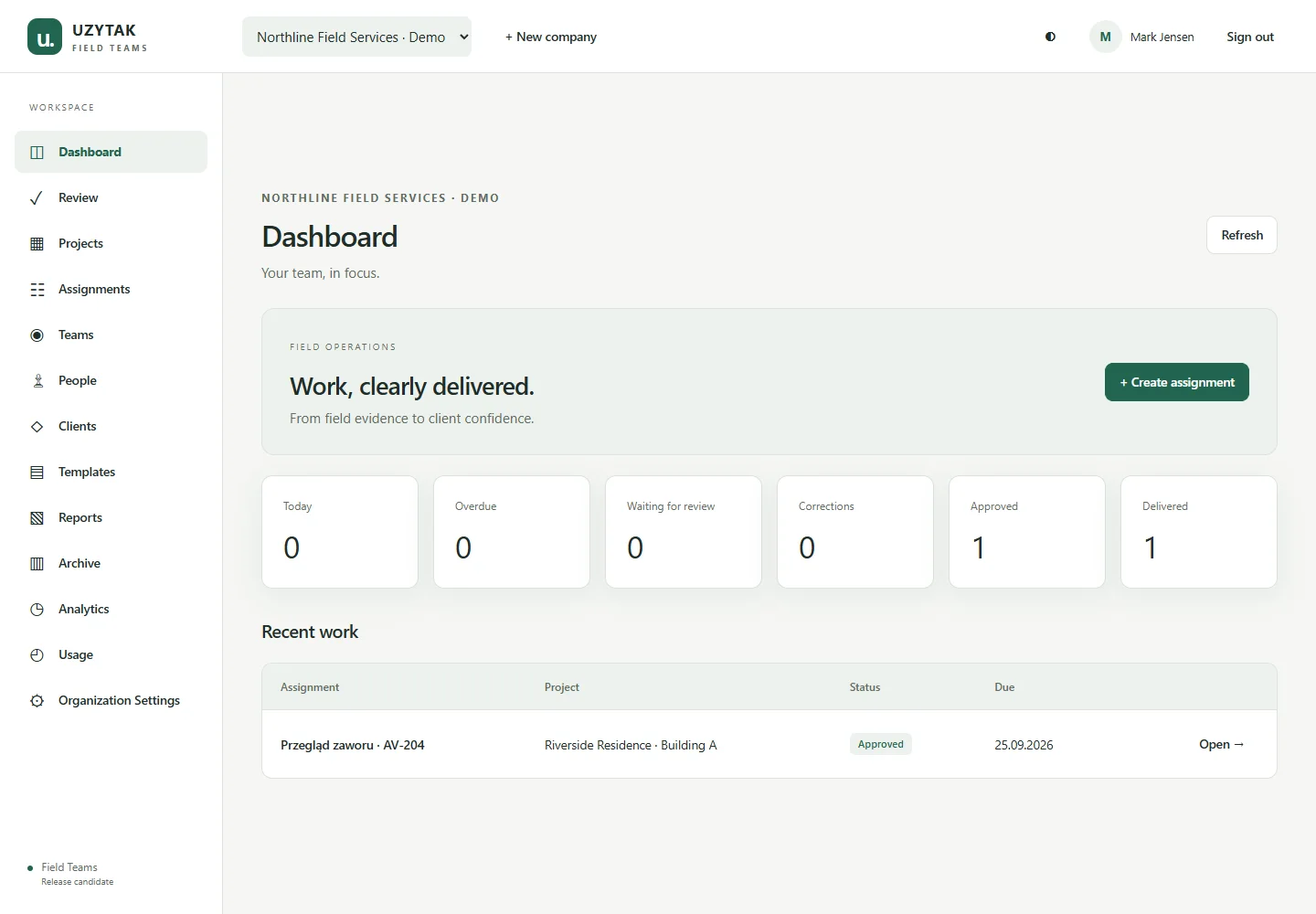
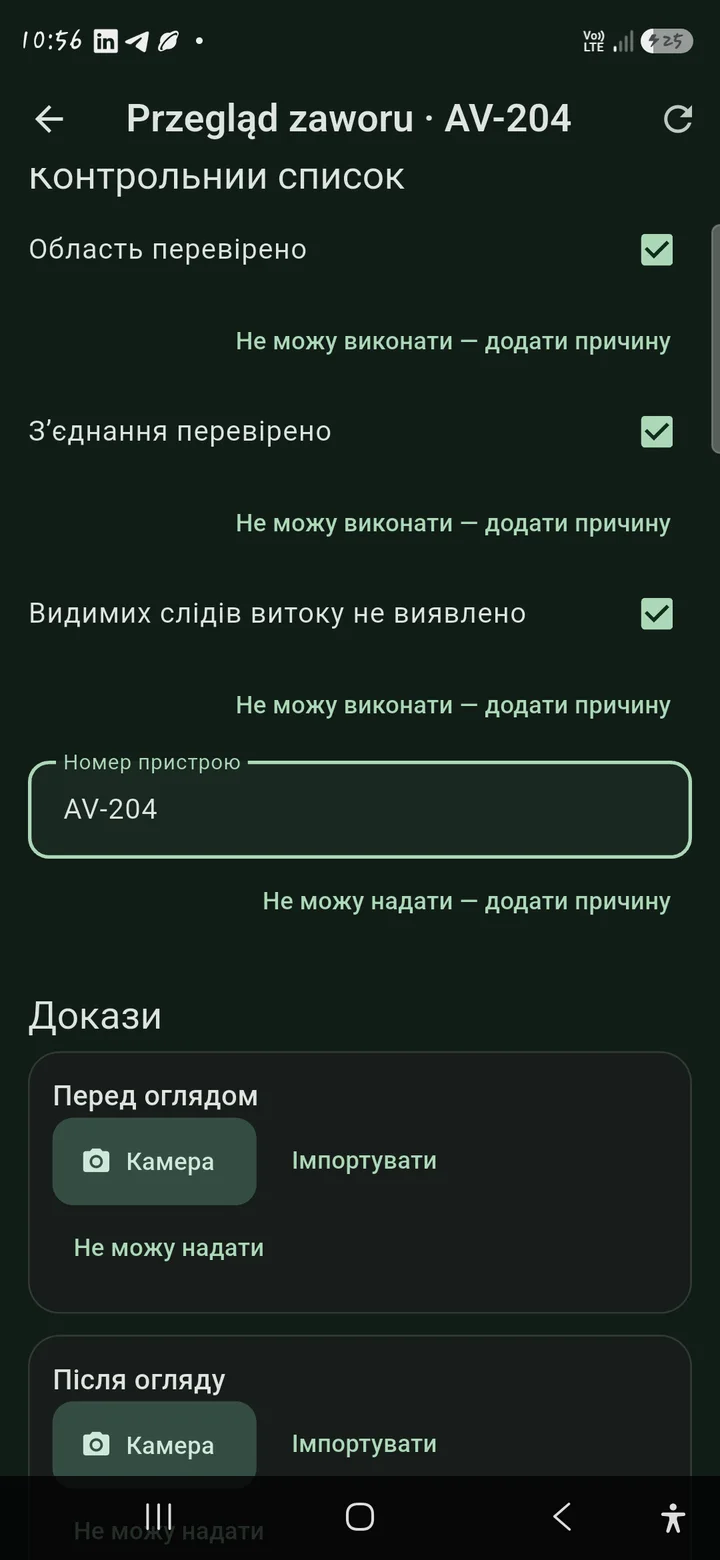
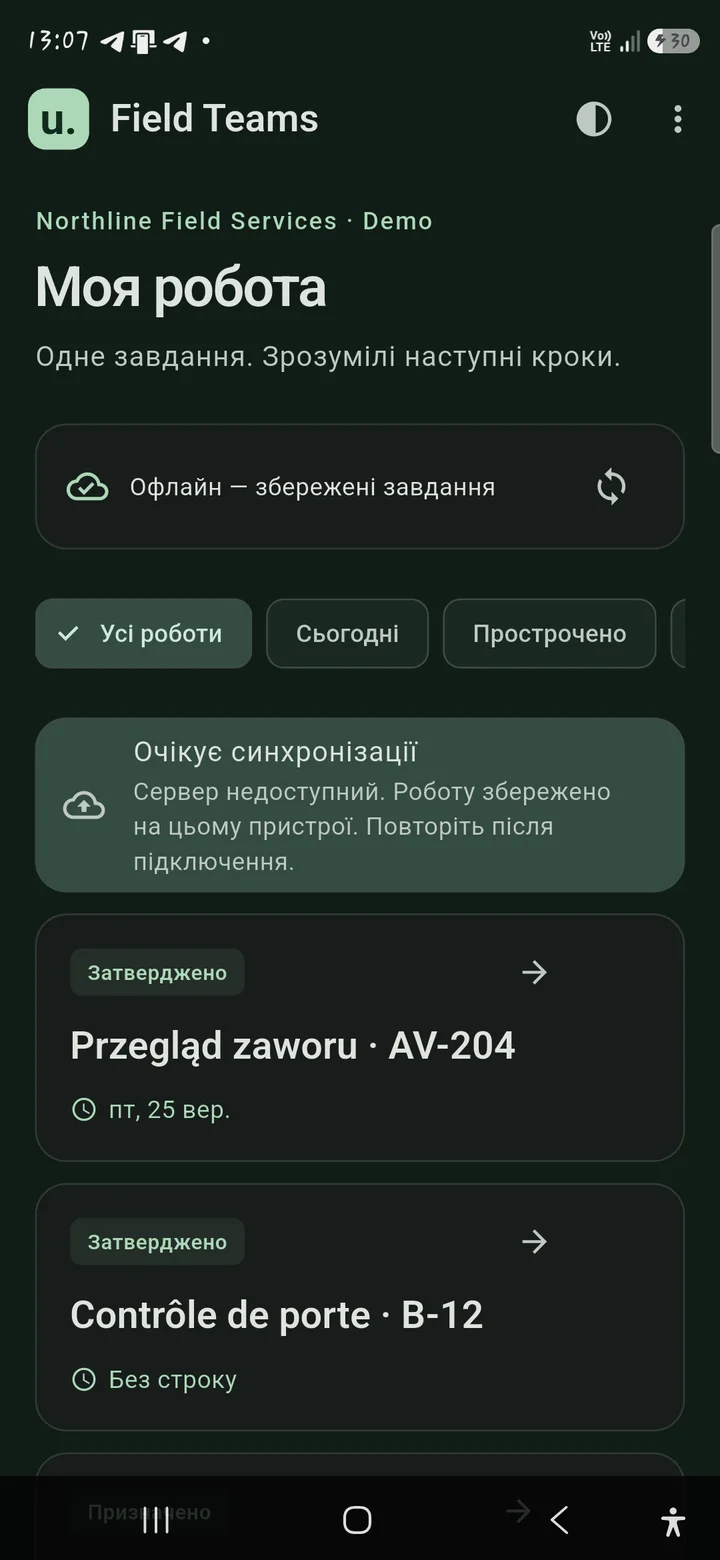
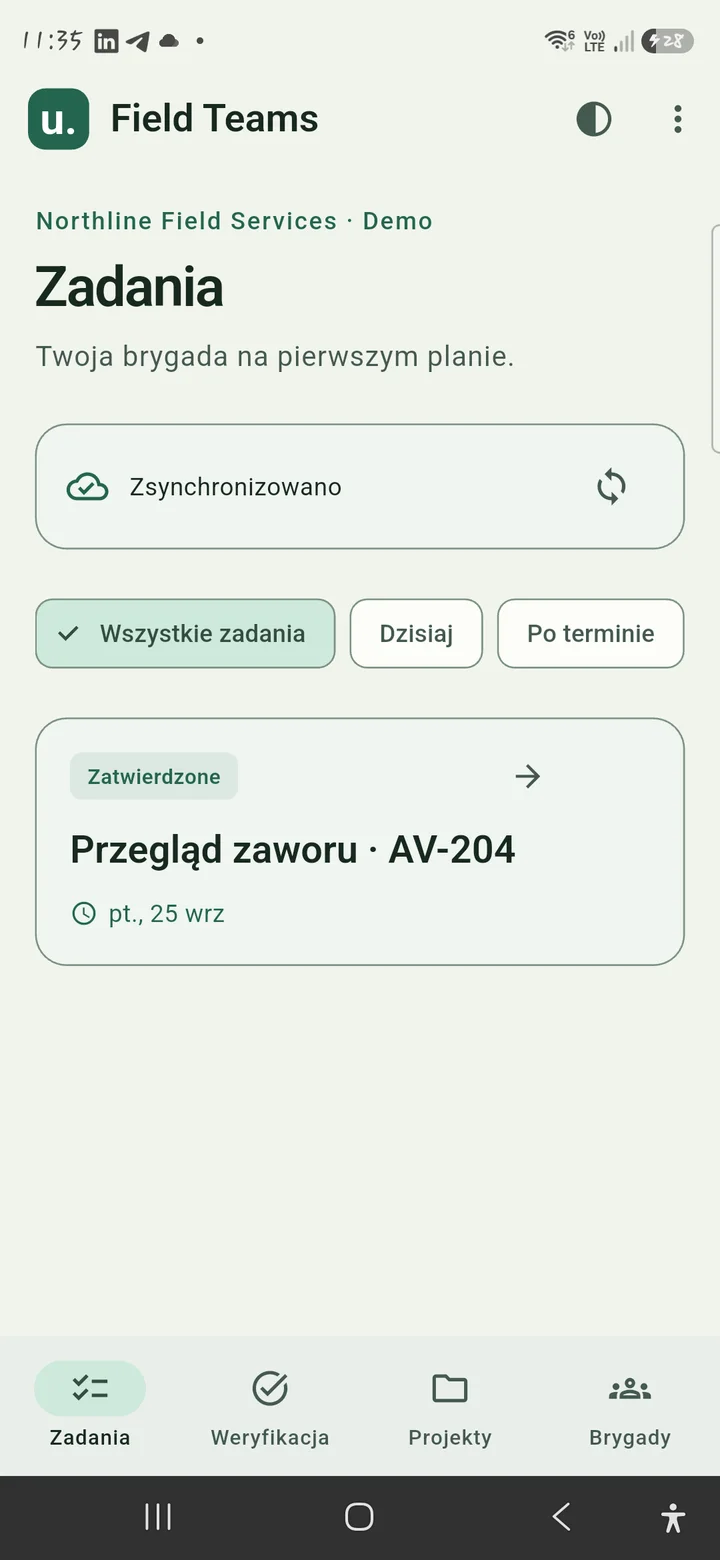
Open → Understand → Checklist → Evidence → Notes → Submit. A focused mobile flow keeps company administration out of the worker’s way.
05 / For the manager
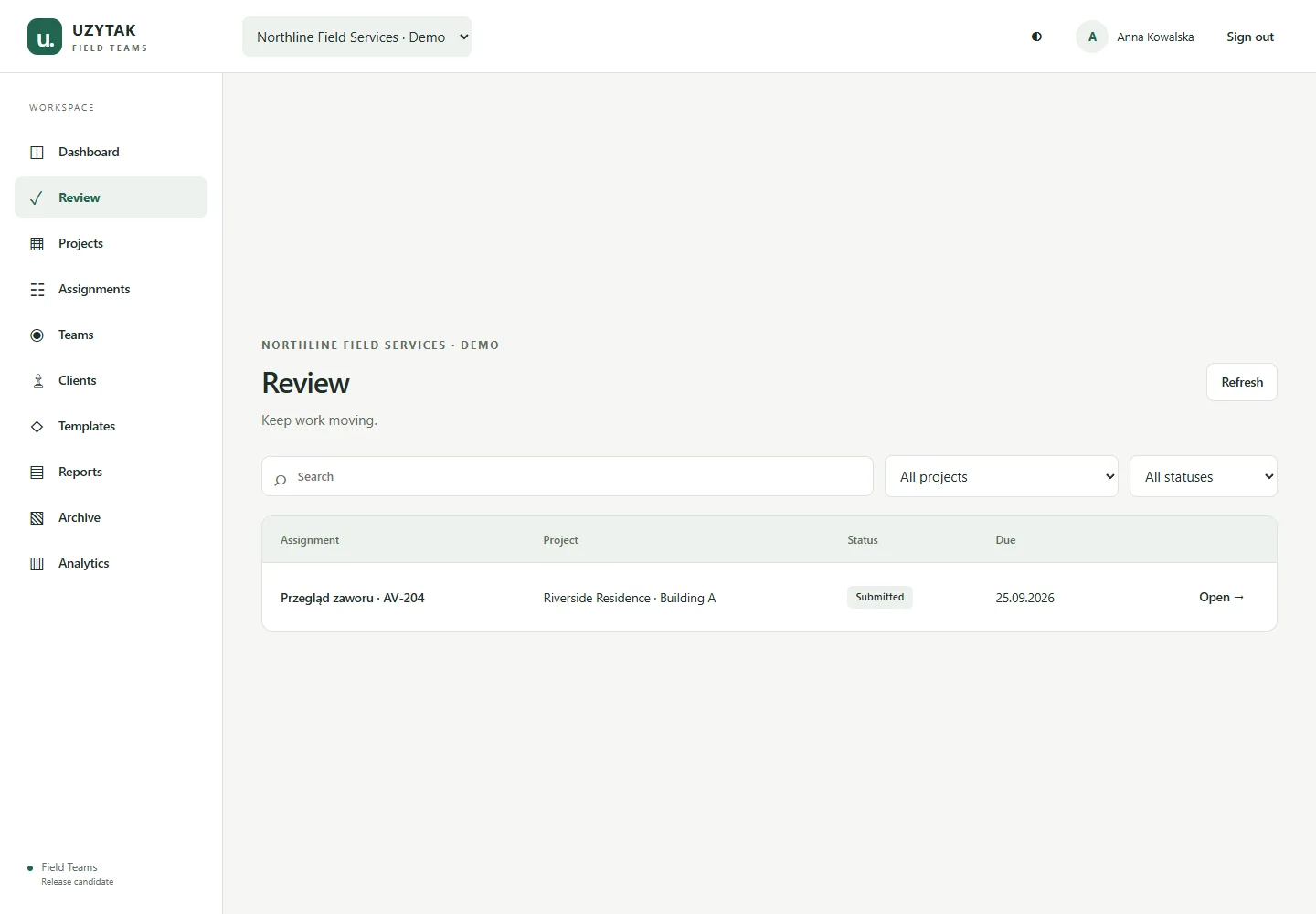
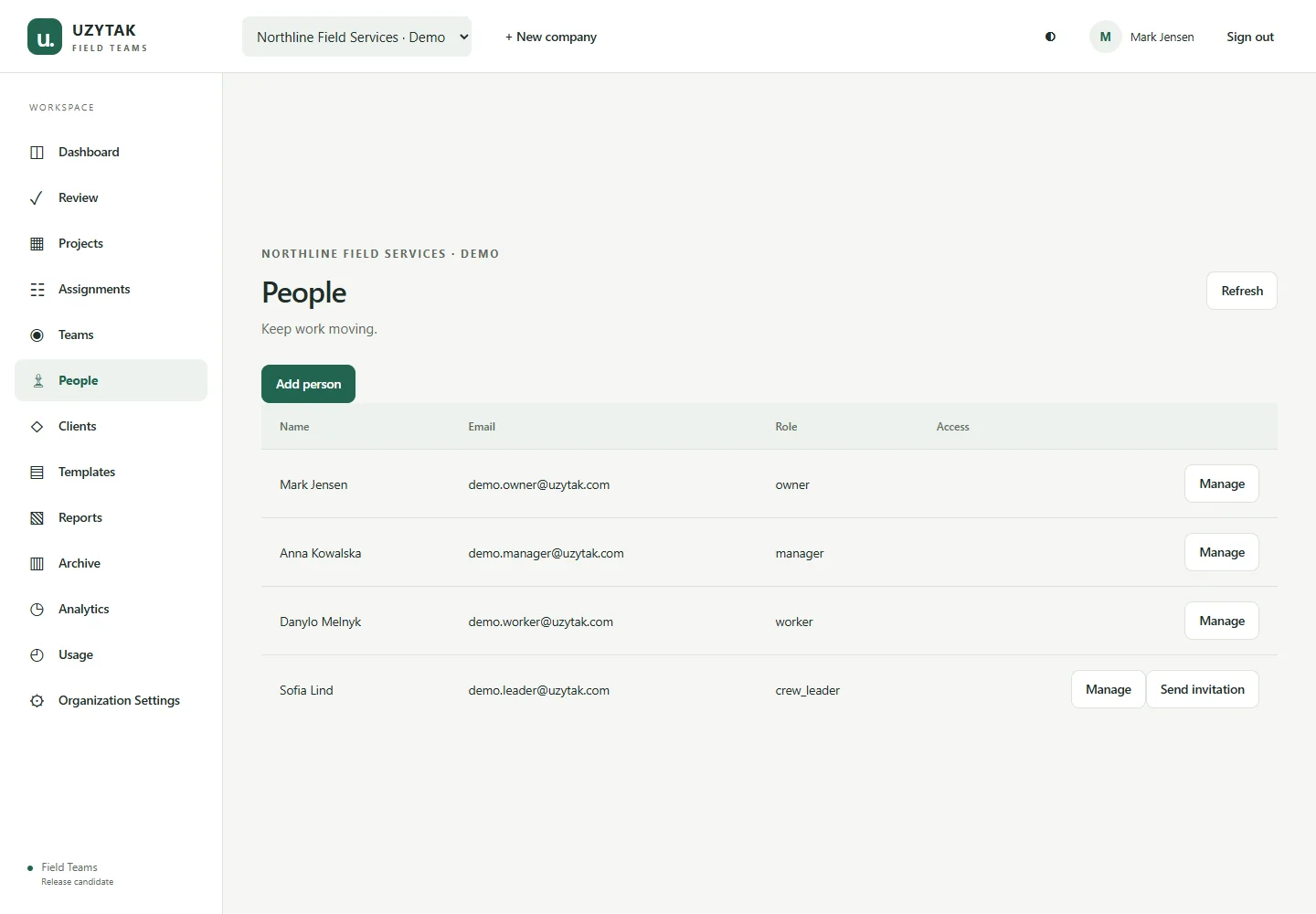
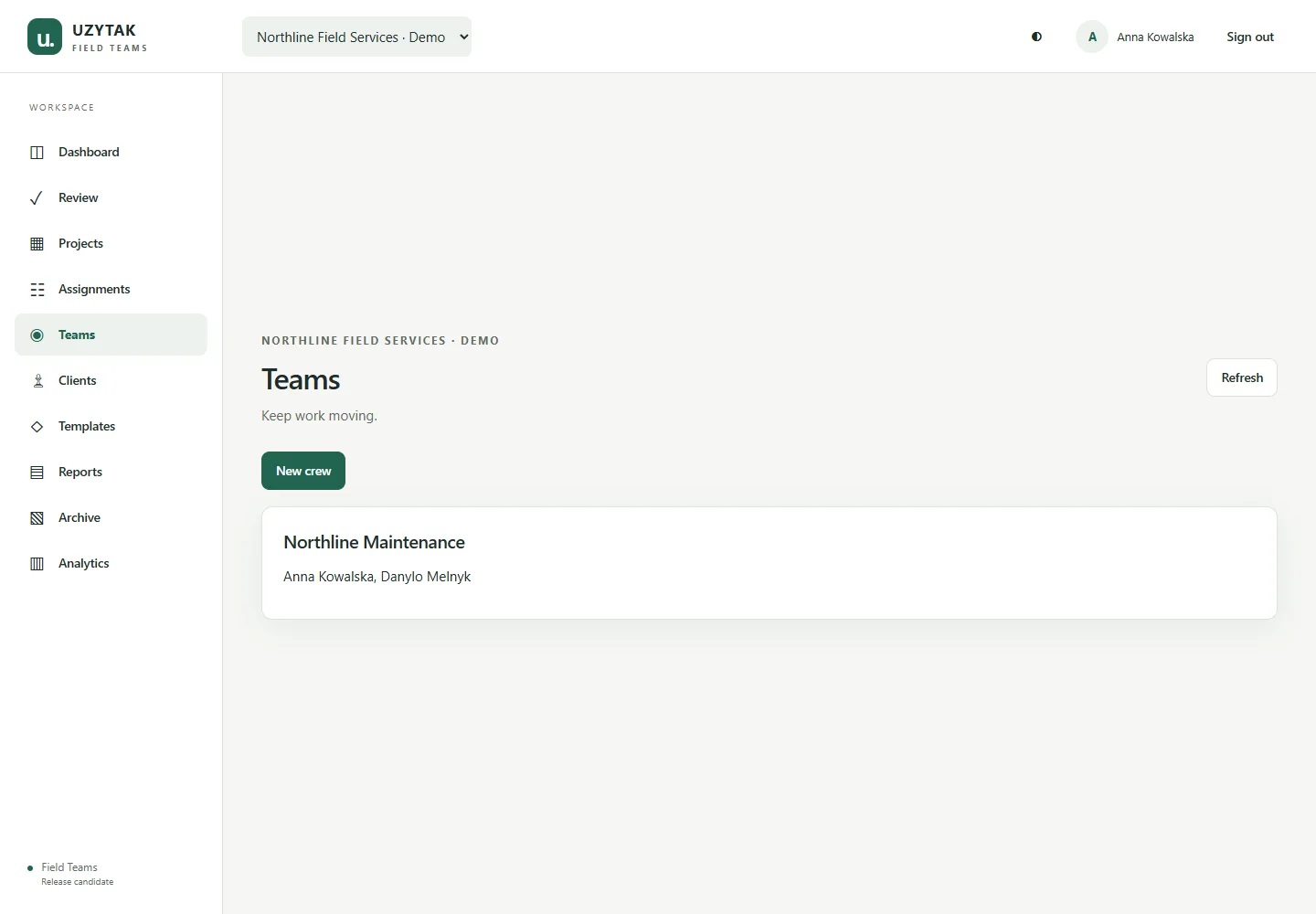
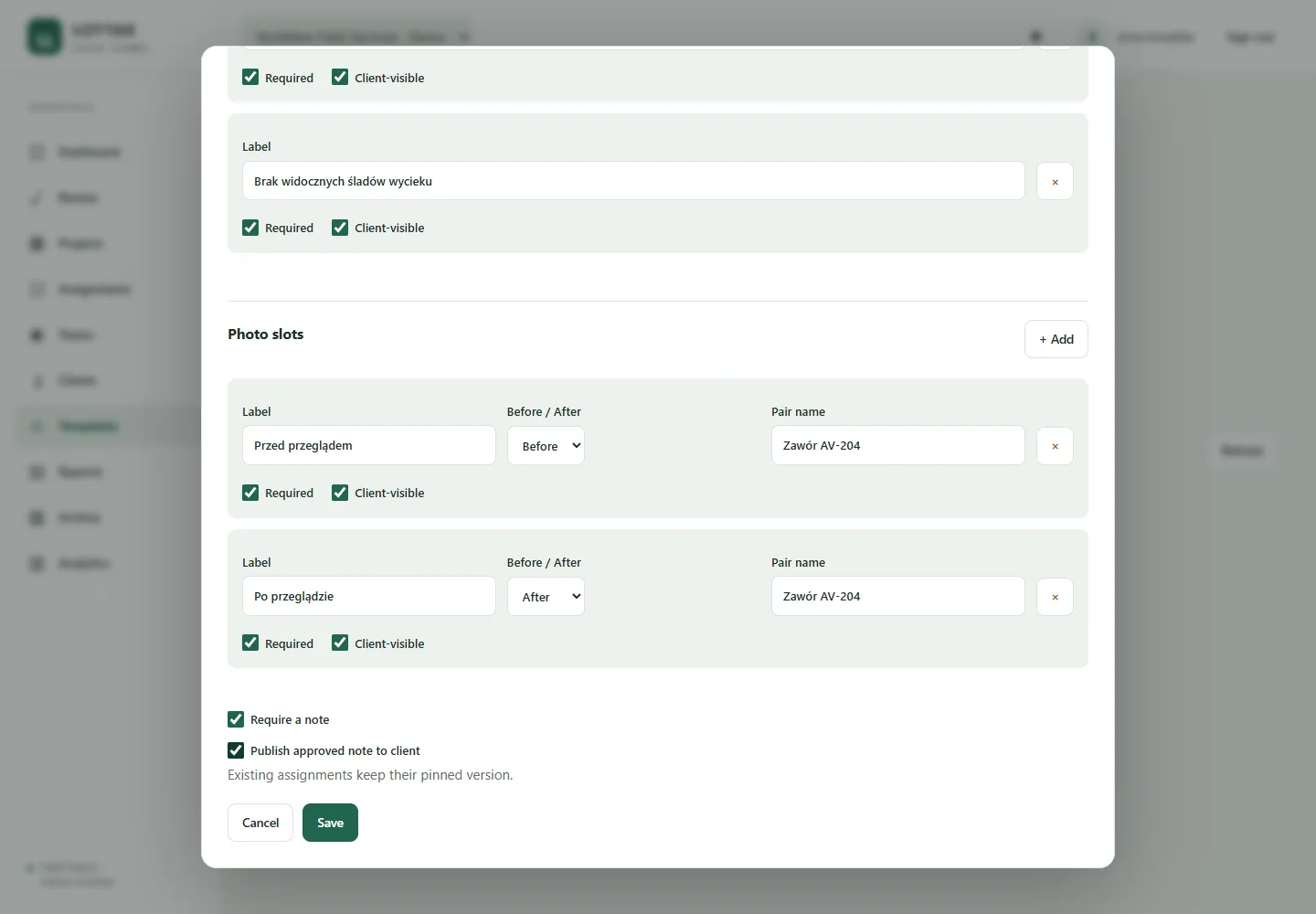
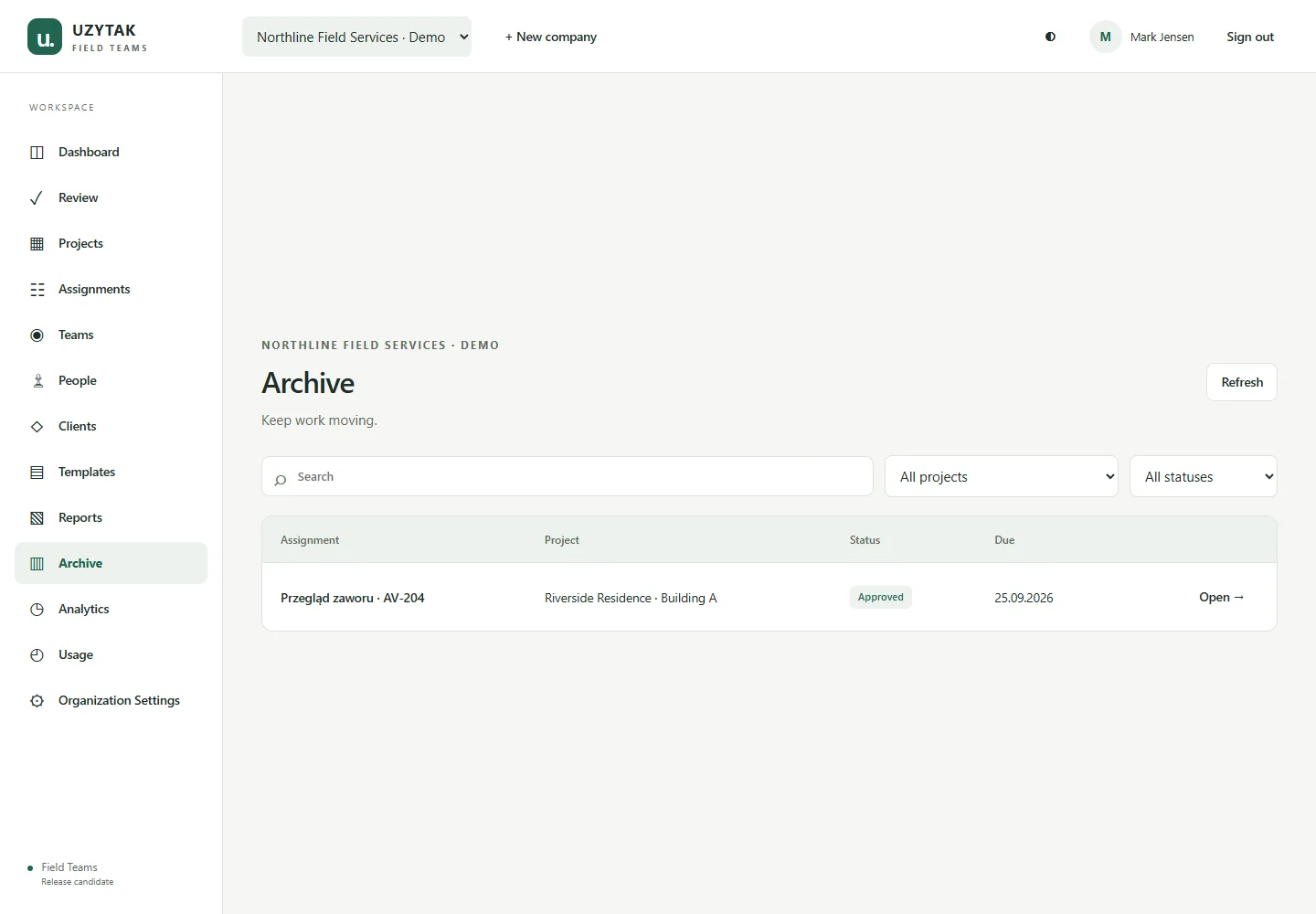
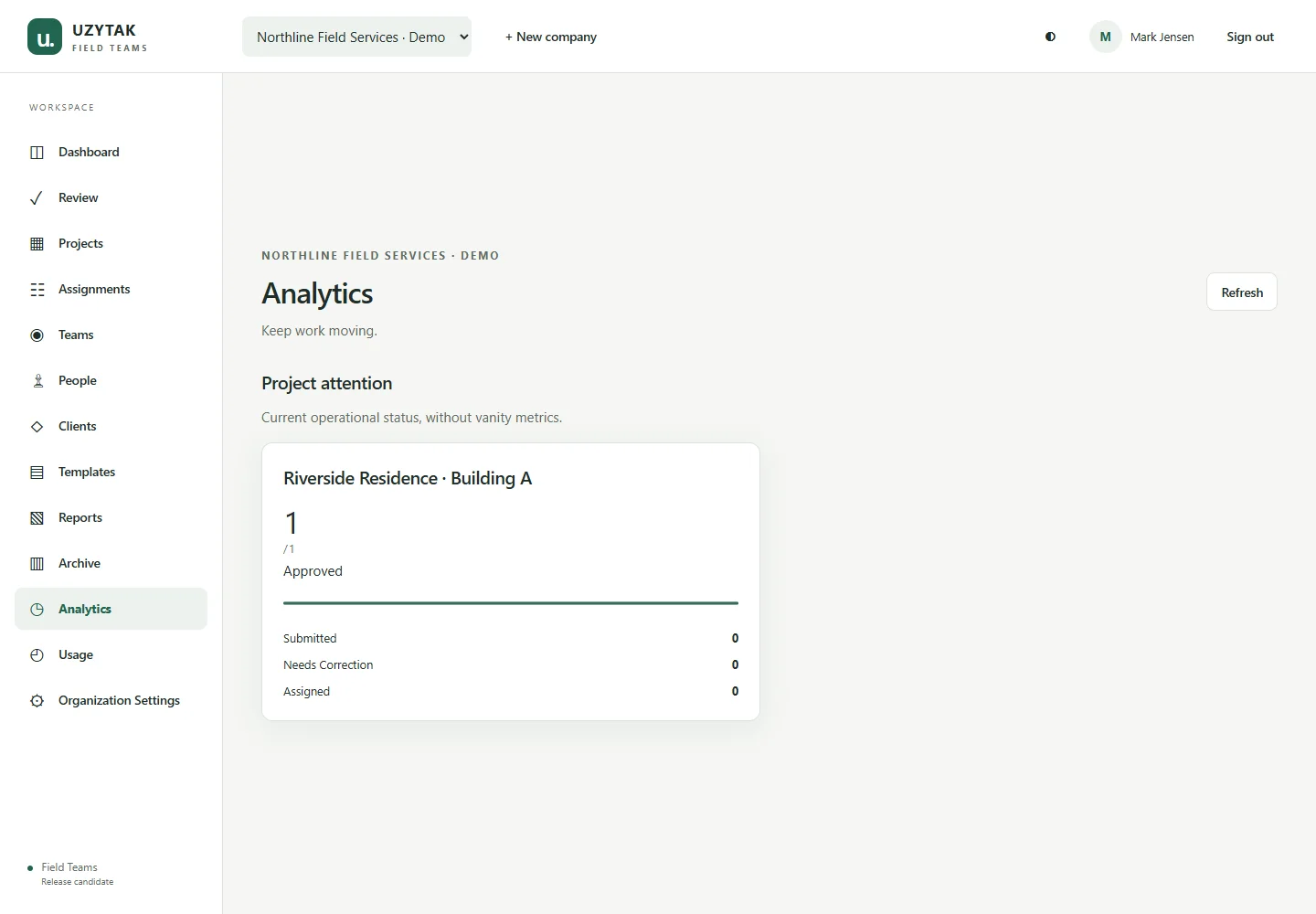
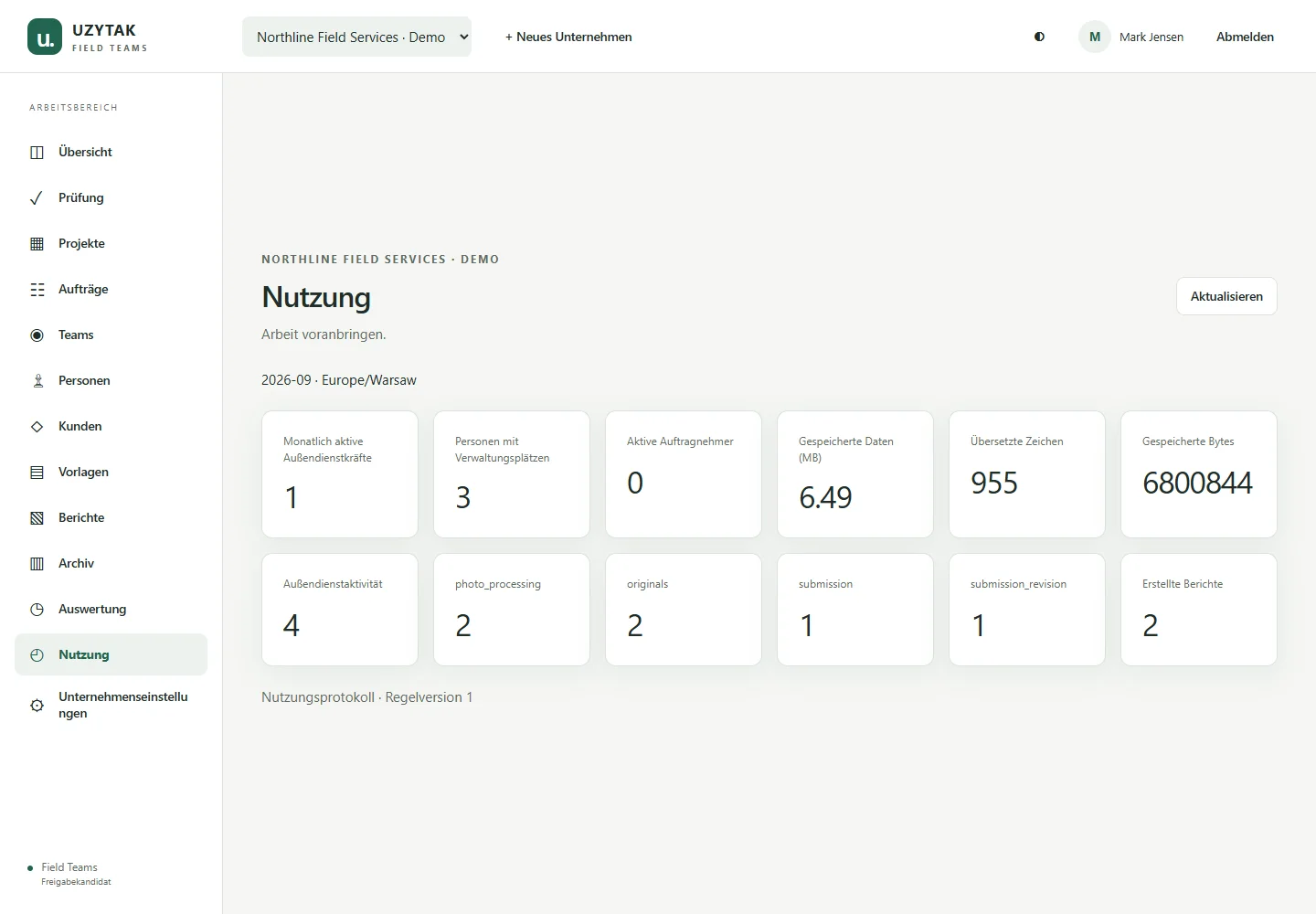
See what is due, waiting for review, needs correction or is ready for the client. Keep projects, crews, people, templates and reports connected.
View full screenshot ↗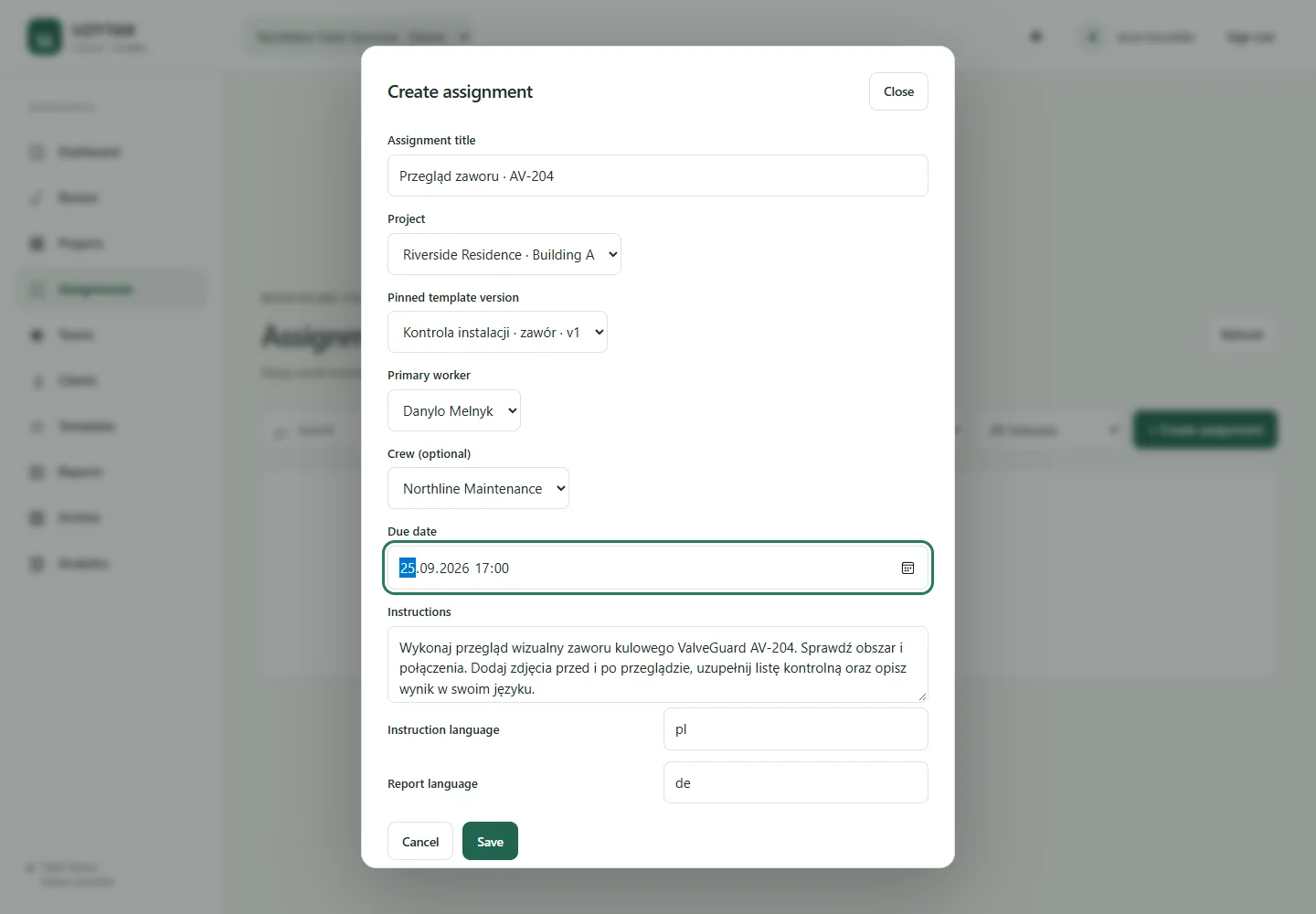
06 / For the client
Your client installs nothing. A secure link opens the exact published Delivery with your company branding, approved results, photos and a downloadable PDF.
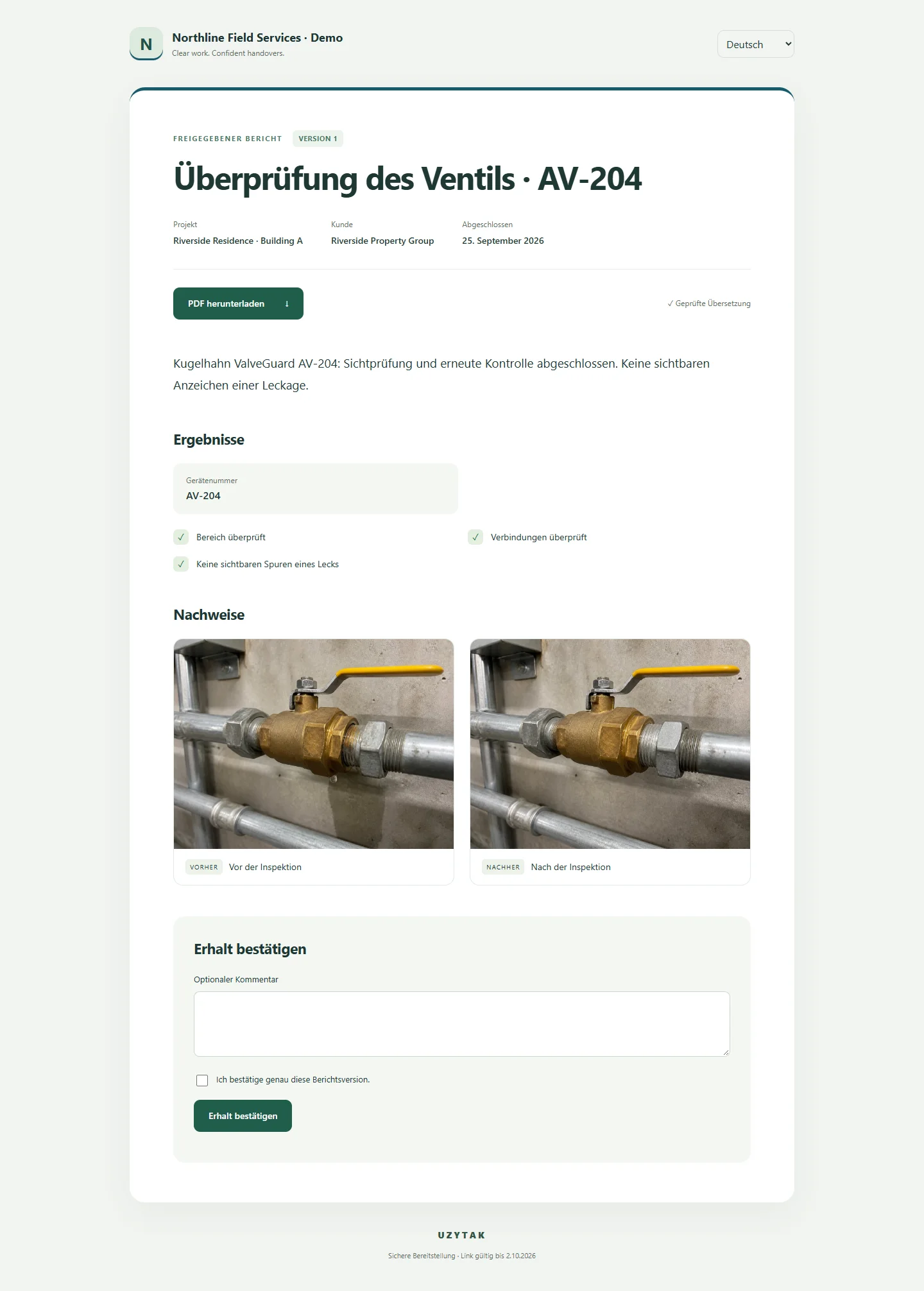 View full screenshot ↗
07 / Offline-first field work
Prepare the assignment while connected. Capture and save field work offline; pending submissions stay visible until the connection returns and sync completes.
Login, translation, manager approval and client delivery need a connection. Offline does not mean every cloud operation runs without one.
08 / Controlled access, clear boundaries
Workspace membership and roles control access to each company’s data.
Evidence is stored privately and served through authorized access.
Publishing freezes the selected approved content. Later edits do not silently rewrite that Delivery.
Client links show published content. Raw GPS/EXIF is not automatically added to every client report.
Getting started
Your company arranges access directly with UZYTAK. Employees sign in to an activated workspace.
Order online with an electronic company contract, or discuss your workflow with us first. Your workspace is activated after the first payment.
The Android app is for installation, sign-in and company work. Google Play is the planned installation and update channel; the company contract is arranged directly with UZYTAK.
Request demo09 / Straightforward plans
Monthly plans for field teams, growing operations and company-wide use. Clients and Guests are free.
01 / FIELD TEAMS
For a focused field team.
€69/month
Founding€59/month
Order online Request demo02 / FIELD TEAMS
For growing field operations.
€199/month
Founding€169/month
Order online Request demo03 / FIELD TEAMS
For company-wide coordination.
€649/month
Founding€549/month
Order online Request demo04 / FIELD TEAMS
For requirements agreed together.
Custom
Annual contract
Contact salesPlan capacity, Founding eligibility and applicable taxes are confirmed in your company offer. Clients and Guests are free. Request a demo to choose the right plan.
Teams, Business and Company can be ordered online with an electronic company contract. Enterprise is arranged with our team.
10 / Questions, answered
Field Teams connects assignment, multilingual field work, correction, exact-version approval and client delivery. It is built for the handover between worker, manager and client, not only creating a document.
No. That trio is an example. Worker, manager and client/report languages are selected independently from supported languages. Interface language is a separate preference.
Yes. They can compare the original and translation, edit the translated text and save a reviewed version. Originals and machine output are preserved.
Previously loaded assignments and local field capture can be used offline. Work waits in Pending Sync until connectivity returns. Authentication, cloud translation, review and publishing require a connection.
No app installation is required for the browser Portal. Basic secure-link viewing needs no registration. Clients and Guests are free.
The Portal shows the selected content in the published Delivery. Rejected submissions, corrections, internal discussions and team administration are not part of that client view.
Field Report is the individual reporting product. Field Teams adds company workspaces, assignments, roles, review, corrections and controlled client delivery. They have separate pricing.
Request a demo to discuss your team, languages and workflow. Your company purchases the service directly from UZYTAK through an agreed offer, order and invoice. No payment is taken on this page.
Start with your team
Tell us what your team does and which languages you work in. We’ll start with a practical conversation about your workflow.
We’ll confirm the right plan, activate your company workspace and help your team get started.
teams@uzytak.comOr email us directly